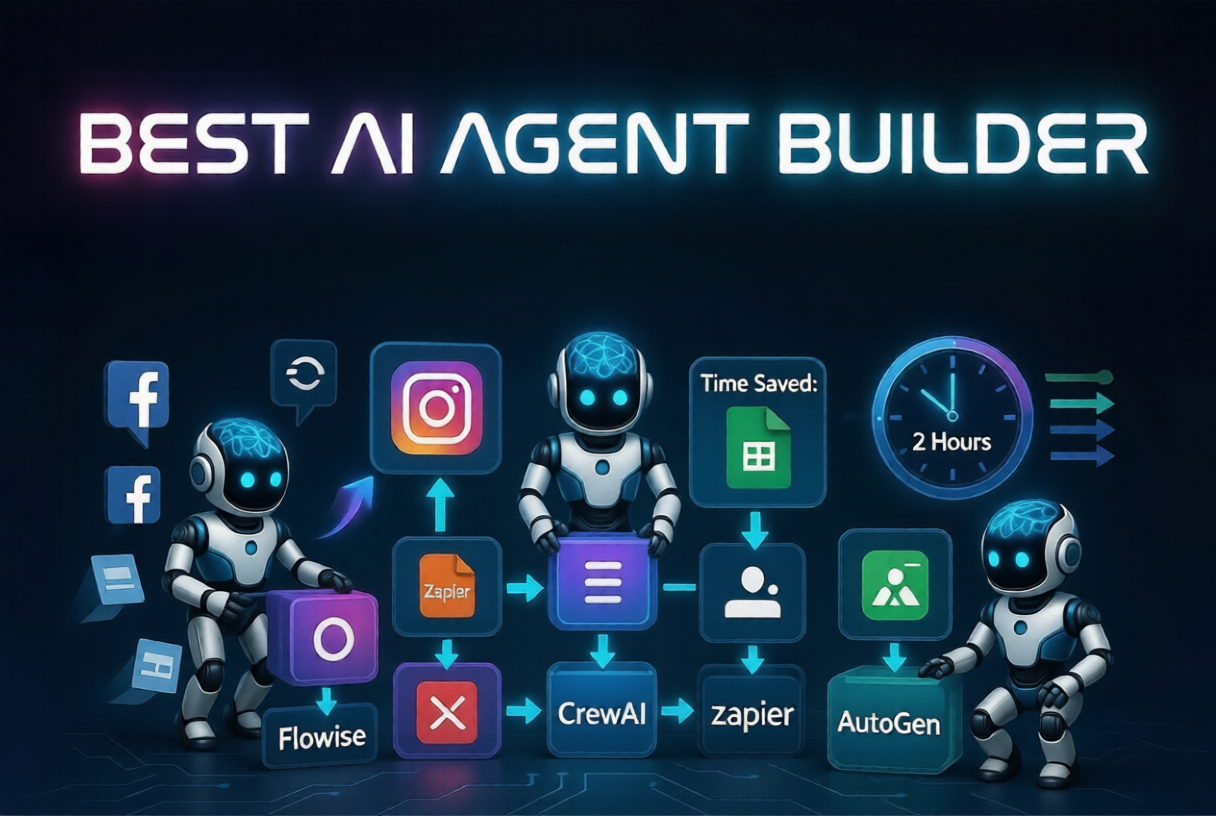
Best AI Agent Builder in 2026: What Actually Works (From Real Use)
Table of Contents
- Introduction
- What is an AI agent builder
- Best AI agent builder tools right now
- How to choose the right AI agent builder
- Step by step guide to build your first AI agent
- How I used AI agents for social media automation
- Tools and resources you can start with
- Common mistakes to avoid
- Tips for better results
- Conclusion
- FAQs
If you have been exploring automation lately, you have probably heard about AI agents everywhere. I kept seeing people talk about how they are replacing entire workflows with just one system. At first, I thought it was just hype.
But after trying a few AI agent builders myself, I realized something important. It is not about replacing work. It is about removing the boring parts so you can focus on what actually matters.
In this blog, I will break down the best AI agent builder options I have tried, what worked, what did not, and how you can actually use them for real tasks like social media automation, lead generation, and content workflows.
What is an AI agent builder
An AI agent builder is a tool that lets you create systems that can think, decide, and take actions automatically.
Instead of just giving you answers like ChatGPT, an AI agent can:
- Perform tasks step by step
- Connect with apps like email or social media
- Automate content posting
- Handle repetitive workflows
For example, instead of manually posting on Instagram every day, you can create an agent that can schedule social media posts, write captions, and even analyze performance.
That is where things start getting interesting.
Best AI agent builder tools right now
There are many tools out there, but not all of them are practical. Some are too complex and some are too limited.
Here are the ones that actually worked for me.
1. Flowise
Flowise is one of the easiest tools I started with.
It uses a visual interface where you connect blocks together. You can build AI workflows without heavy coding.
Best use case:
I used Flowise to build a simple system that takes a blog topic and generates social media captions for different platforms. It saved me around 2 hours per post.
2. AutoGen by Microsoft
This one is more advanced.
AutoGen allows multiple AI agents to talk to each other and solve tasks together. It feels powerful but needs some technical understanding.
Best use case:
I tested it for content research where one agent gathers data and another writes summaries. It worked well but setup took time.
3. Zapier AI Agents
Zapier has added AI features to its automation platform.
If you already use Zapier, this is very useful.
Best use case:
I used it to automate Instagram posts. It connected Google Sheets, OpenAI, and Instagram scheduling tools. Once set up, content posting became automatic.
4. AgentGPT
This is a simple browser-based AI agent tool.
You give it a goal and it tries to complete it step by step.
Best use case:
Good for experimenting. I used it to generate content ideas, but for serious automation, I needed more control.
5. CrewAI
CrewAI is one of my personal favorites right now.
You can assign roles like researcher, writer, editor, and they work together like a team.
Best use case:
I used it for blog writing workflows. It gave better structured content compared to single AI tools.
How to choose the right AI agent builder
Not every tool is for everyone. I made this mistake early on by jumping into complex tools.
Here is a simple way to decide.
If you are a beginner
Start with Flowise or Zapier AI. They are simple and practical.
If you want advanced automation
Go for AutoGen or CrewAI.
If your focus is social media
Choose tools that integrate with social media automation tools and schedulers.
Step by step guide to build your first AI agent
Let me walk you through a simple workflow I personally used.
Step 1: Define a clear task
Do not start with something big.
Start simple like:
- Generate captions
- Schedule social media posts
- Collect leads
I started with caption generation.
Step 2: Choose a tool
For beginners, I recommend Flowise or Zapier.
Step 3: Connect your inputs
Example:
- Input: Blog title
- Output: Instagram caption
Step 4: Add logic
Tell the agent what to do:
- Write a caption
- Add hashtags
- Keep tone casual
Step 5: Connect to tools
This is where real automation happens.
You can connect:
- Google Sheets
- Instagram schedulers
- Email tools
This is how you build social media marketing automation.
Step 6: Test and improve
My first few outputs were honestly bad.
Captions felt generic. Hashtags were random.
I had to tweak prompts and instructions multiple times.
How I used AI agents for social media automation
This is where things got real for me.
I used to spend around 1.5 to 2 hours daily creating and posting content. It was exhausting.
So I built a simple system:
- Blog topic goes into Google Sheets
- AI generates captions using an agent
- Captions go to a free social media scheduler
- Posts get scheduled automatically
Now I just review and approve.
Time spent dropped to around 30 minutes.
One mistake I made early was over-automating. I tried to let AI handle everything. The content started feeling robotic.
Now I keep a balance. AI does 70 percent work, I do 30 percent editing.
Tools and resources you can start with
Here are some practical tools that actually help.
ChatGPT or OpenAI API
Used for generating content.
Outcome:
Helped me create 10 caption variations in minutes.
Buffer
A simple free social media scheduler.
Outcome:
I scheduled a week of posts in one sitting instead of daily posting.
Zapier
Connects everything.
Outcome:
Automatically moved content from Sheets to scheduler.
Notion
For organizing workflows.
Outcome:
Tracked content ideas and posting schedule in one place.
Make.com
Advanced automation platform.
Outcome:
Built deeper workflows for automate content posting across platforms.
Common mistakes to avoid
I made most of these mistakes myself.
Trying to automate everything
Not everything should be automated. Creativity still needs human input.
Choosing complex tools too early
I wasted time learning tools that I did not need.
Ignoring testing
Your first setup will not work perfectly. You need to test and adjust.
Poor prompts
Bad instructions lead to bad results.
No clear workflow
If your process is messy, automation will also be messy.
Tips for better results
Keep these simple but powerful tips in mind.
- Start small and scale slowly
- Focus on one workflow first
- Use AI for repetitive tasks only
- Always review output before publishing
- Combine AI with ai social media tools for better results
- Keep improving your prompts
One thing that helped me a lot was treating AI like a junior assistant. You have to guide it clearly.
Conclusion
AI agent builders are not magic tools, but they are very powerful if used properly.
The biggest shift for me was not just saving time. It was changing how I think about work. Instead of doing everything manually, I now focus on building systems.
If you are into blogging, content creation, or even starting something like social media services, learning this skill can give you a serious advantage.
Start simple. Build one small system. Improve it. Then expand.
That is how it actually works.
FAQs
1. What is the best AI agent builder for beginners
Flowise and Zapier AI are the easiest to start with. They do not require deep technical knowledge.
2. Can AI agents automate social media completely
They can handle most tasks like writing and scheduling, but you should still review content to keep it human.
3. Are there free AI agent tools available
Yes, tools like Flowise, AgentGPT, and free plans of Zapier can help you get started.
4. How do AI agents help in social media marketing automation
They can generate content, schedule posts, analyze performance, and reduce manual work.
5. Is it worth learning AI agents in 2026
Yes. It is becoming a key skill, especially for creators, marketers, and businesses focused on automation.