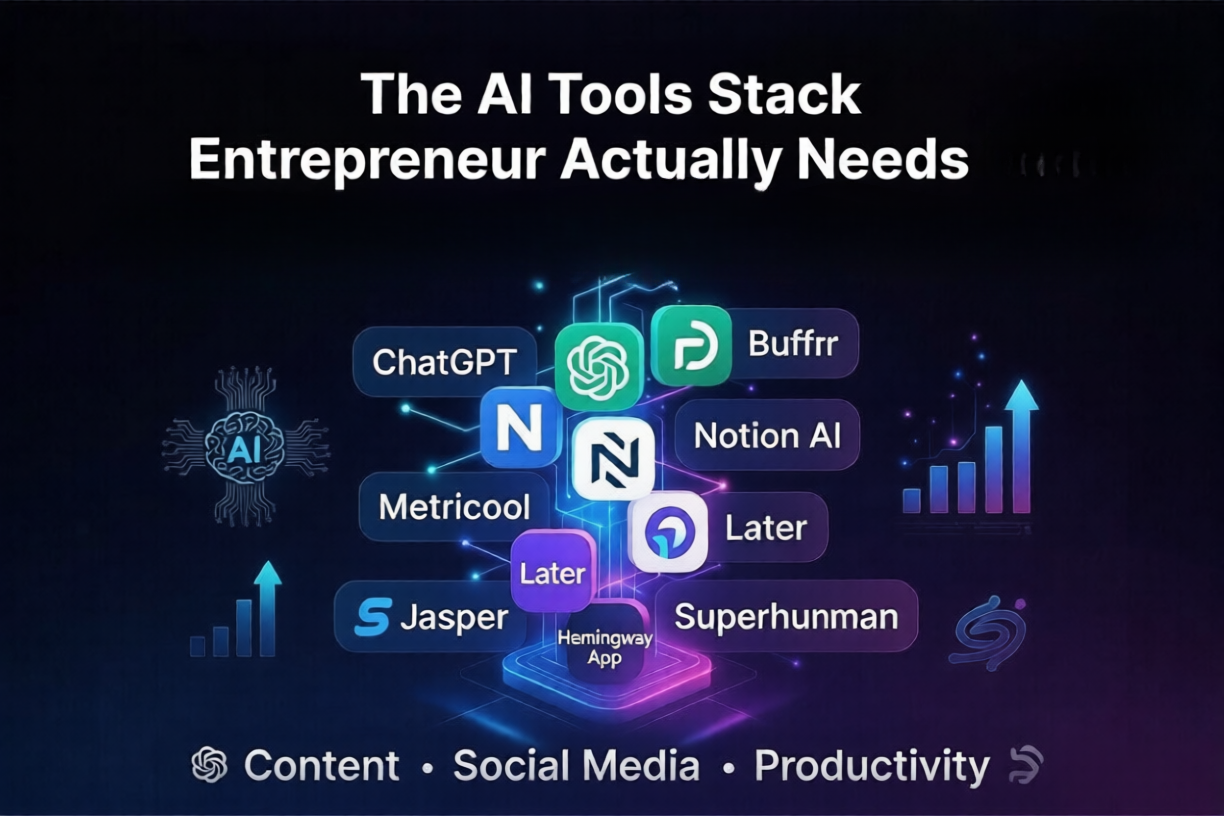
The AI Tools Stack Every Entrepreneur Actually Needs in 2026 (No Fluff, Just What Works)
Table of Contents
- Introduction
- What Is an AI Tools Stack and Why It Matters
- My Personal AI Tools Stack for Running a Business
- Content and Writing Tools
- Social Media Automation Tools
- AI Tools for Planning and Productivity
- How I Use These Tools Together Every Day
- Common Mistakes Entrepreneurs Make With AI Tools
- Tips to Get Better Results From Your AI Stack
- Conclusion
- FAQs
I will be honest with you. A year ago I was wasting probably three to four hours every single day doing things that did not need a human brain. Writing captions, scheduling posts, drafting emails, summarizing reports. All of it was eating into time I could have used to actually grow my business.
Then I started building what most people in the entrepreneur world call an AI tools stack. Not just one tool. A full setup where different AI tools handle different parts of my workflow.
The change was real. I am not talking about saving twenty minutes here and there. I mean reclaiming entire chunks of my week.
If you are an entrepreneur trying to figure out which AI tools to actually use and how to put them together in a way that makes sense, this article is for you. I will walk you through exactly what I use, what I tried and dropped, and what mistakes I made so you do not have to.
What Is an AI Tools Stack and Why It Matters
A tools stack is basically a combination of apps and software you use together to run your work. An AI tools stack for entrepreneurs just means those tools now have artificial intelligence built in.
The idea is simple. Instead of using one big tool that does everything okay, you pick a few specialized tools that each do one thing really well. Then you connect them so they work together.
For a solo entrepreneur or small team, this is a game changer. You are essentially giving yourself a small team of AI assistants that handle your content, your social media automation tools, your customer communication, your scheduling and more.
The key word here is stack. These tools should work together, not just sit open in separate tabs.
My Personal AI Tools Stack for Running a Business
Let me break down what I actually use. This took months of trial and error to figure out.
Content and Writing Tools
For writing blog posts, email newsletters, and product descriptions, I use a combination of two tools. One for drafting and one for polishing.
ChatGPT with a custom system prompt is where I start most pieces. I give it a rough outline and a tone guide and it gives me a working draft in minutes. But honestly the output needs work. It is a starting point, not a finished product.
For polishing I run things through Hemingway App. Not AI exactly but it catches bloated sentences fast.
Jasper is another one I tried for a while. Good for short form content like ads and product copy. Pricey though, so I only kept it for campaigns.
Social Media Automation Tools
This is where things got interesting. When I started trying to automate Instagram posts and other social platforms, I quickly realized how much time I was losing just to the act of posting.
Buffer is my main free social media scheduler right now. You can plan posts weeks ahead, connect multiple platforms and it handles the timing automatically. For a solo entrepreneur who just wants to schedule social media posts without overthinking it, Buffer free plan is honestly enough to start.
For more advanced social media marketing automation, I eventually upgraded to a paid plan and added Metricool to track what was actually working. Metricool shows you analytics across all your platforms in one place which sounds basic until you realize how long you were spending logging into four different apps to check numbers.
Later AI is another tool I tested specifically for Instagram. If you want to automate Instagram posts with a visual content calendar and hashtag suggestions, Later is genuinely good. The free tier is limited but useful.
One thing I wish someone had told me earlier: ai social media tools work best when you already have a content strategy. If you just dump random content into them, the automation part does not help much. Garbage in, garbage out, as they say.
AI Tools for Planning and Productivity
Notion AI has replaced probably four different apps for me. Meeting notes, project planning, brainstorming sessions. I dump everything in there and use the AI features to organize and summarize.
For email I use Superhuman which has AI sorting and drafting built in. It sounds like a luxury but if email is eating your mornings it pays for itself in mental energy alone.
How I Use These Tools Together Every Day
Here is a rough version of how my week looks now.
On Monday morning I spend about thirty minutes planning content for the whole week. I use ChatGPT to draft captions and short posts based on my content pillars. Then I drop everything into Buffer and schedule it all out across platforms.
That means I never have to think about automate content posting again until next Monday. The posts go out, the analytics collect in Metricool, and I check in Friday morning to see what to adjust.
Blog posts take a bit more time but the drafting is faster. I outline in Notion, draft in ChatGPT, edit manually, and push. The whole process used to take me most of a day. Now it is two to three focused hours.
Common Mistakes Entrepreneurs Make With AI Tools
The biggest mistake I see, and I made this one myself, is trying to automate everything at once before you understand the basics.
Pick one area first. I started with social media because that was eating the most time. Once that was smooth I moved to content, then email.
The second mistake is trusting AI output without reviewing it. AI tools are fast but they are not perfect. I have caught some embarrassing errors in captions that would have gone out automatically if I had not done a quick read through.
Third mistake is chasing the newest tool every week. There is always something new launching. Most of it is not meaningfully different from what you already have. Stick with your stack for at least sixty days before switching anything out.
And lastly, people underestimate how much setup time good AI tools need. You have to train them in a way. Feed them your brand voice, your preferences, your examples. The more you do that upfront the better the output gets over time.
Tips to Get Better Results From Your AI Stack
Give your AI tools real context. Instead of asking for a caption, tell it who your audience is, what the post is about, and what tone you want. Specific prompts get specific results.
Build templates. Once you find a prompt that works for your social media content, save it. Do not rewrite it every time.
Review before publishing. Always. At least a quick scan. This is non negotiable.
Use AI for the first draft and your own judgment for the final call. The human layer still matters.
Track what actually performs. Use your analytics tools to see which AI generated content gets real engagement. Let data guide which direction your content takes.
Conclusion
Putting together an AI tools stack is not a one afternoon project. It took me real time to figure out what worked together, what was worth paying for, and where I still needed to be hands on.
But the payoff is real. I spend less time on repetitive work and more time on the things only I can do. Talking to clients, making creative decisions, building relationships.
If you are just starting, pick one pain point. For most entrepreneurs that is social media. Start there. Find a free social media scheduler, figure out how to schedule social media posts in advance, and build from there.
You do not need the most expensive stack. You need the right stack for where you are right now.
FAQs
1. What is the best free AI tools stack for entrepreneurs just starting out?
For a beginner budget, start with ChatGPT free plan for writing, Buffer free plan for scheduling social media, and Notion free plan for planning. That combination alone covers most of your basic needs without spending anything.
2. Can I fully automate my social media using AI tools?
Partly yes. You can automate Instagram posts and schedule content across platforms automatically. But strategy, ideas, and reviewing output still need a human. Think of it as automating the execution, not the thinking.
3. How long does it take to set up an AI tools stack?
Realistically, give yourself two to three weeks to test, adjust, and settle into a workflow. The setup is not complicated but getting the tools to actually fit your routine takes a bit of experimenting.
4. Are social media automation tools safe to use on Instagram and other platforms?
Yes, as long as you use reputable tools that connect through official APIs like Buffer, Later, and Metricool. Avoid third party tools that ask for your password directly. Stick to tools that use official platform integrations.
5. Do I need technical skills to use AI tools for my business?
Not really. Most of the best AI tools for entrepreneurs are built for non technical users. If you can use Google Docs and send an email, you can use most of these tools without any extra learning.