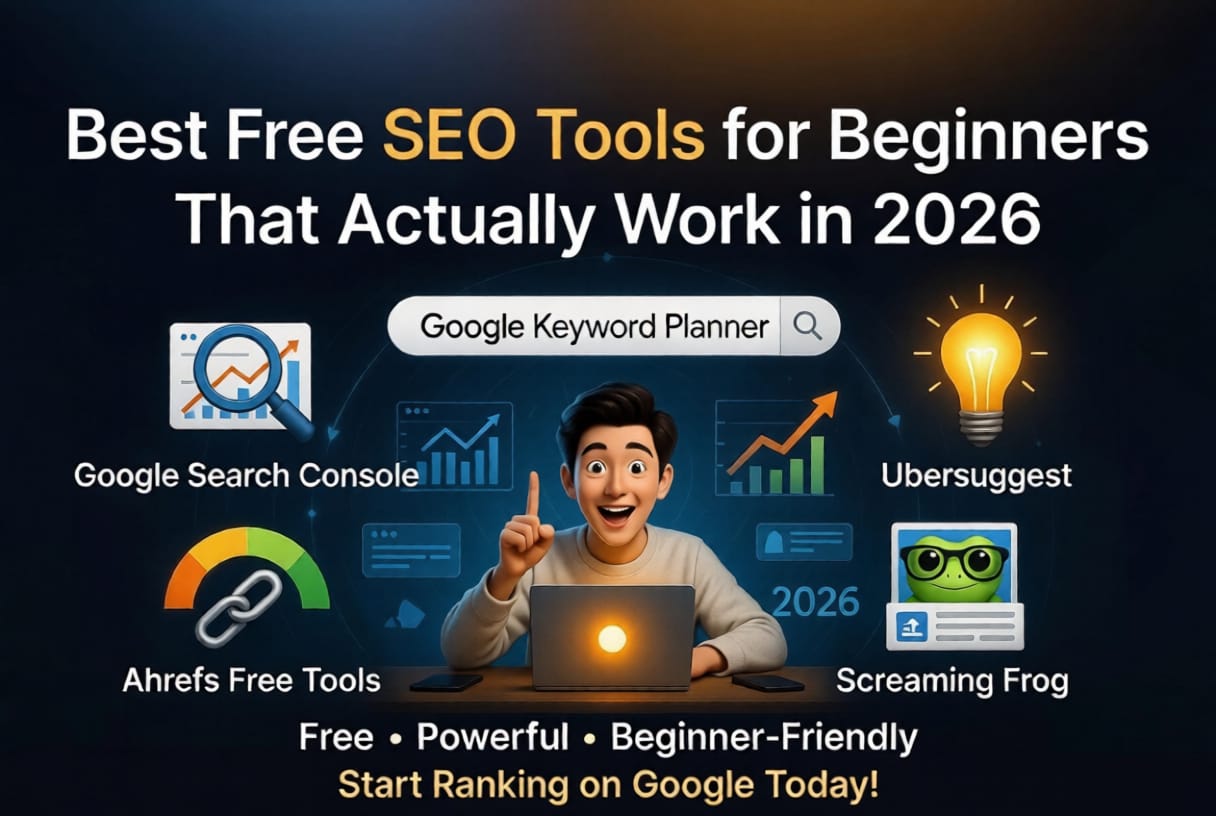
Best Free SEO Tools for Beginners That Actually Work in 2026
Table of Contents
- Introduction
- Why You Need SEO Tools as a Beginner
- Best Free SEO Tools for Beginners
- Google Search Console
- Google Keyword Planner
- Ubersuggest
- Ahrefs Free Tools
- Answer The Public
- Screaming Frog (Free Version)
- Step by Step: How to Use These Tools Together
- My Personal Experience Using Free SEO Tools
- Extra Tools for Content and Automation
- Common Mistakes Beginners Make
- Tips for Better Results
- Conclusion
- FAQs
When I first started blogging, I thought writing good content was enough. Honestly, I was wrong.
I was putting in hours writing articles, but no traffic, no clicks, nothing. That is when I discovered the power of using the right SEO tools. The best part is, you do not need expensive tools in the beginning.
There are many best free SEO tools for beginners that can help you find keywords, analyze your website, and even improve your content step by step.
In this blog, I will share tools that I have personally used and still use. I will also show how you can combine them to get real results without spending money.
Why You Need SEO Tools as a Beginner
SEO is not just about writing articles. It is about writing the right content that people are already searching for.
Without tools, you are just guessing.
With tools, you are making decisions based on real data.
Here is what SEO tools help you do:
- Find keywords people search on Google
- Understand competition
- Track your website performance
- Fix technical errors
- Improve your content strategy
And once you combine this with things like social media marketing automation or schedule social media posts, you can grow even faster.
Best Free SEO Tools for Beginners
1. Google Search Console
This is the first tool you should set up. No debate.
It shows:
- Which keywords bring traffic
- Your ranking position
- Website errors
- Indexing issues
What I like the most is that it gives real data from Google itself.
When I started, I found keywords I was already ranking for on page 2 or 3. I just improved those articles, and traffic started coming.
2. Google Keyword Planner
Most people think this is only for ads. But beginners can use it for SEO as well.
You can:
- Find keyword ideas
- See search volume
- Understand keyword trends
It is not perfect, but it is reliable.
I usually type a basic keyword and then expand it into blog topics.
3. Ubersuggest
This tool is very beginner friendly.
Features:
- Keyword ideas
- SEO difficulty
- Content suggestions
- Basic site audit
The free version has limits, but it is enough when you are starting.
I used Ubersuggest to find low competition keywords, and it helped me write my first few ranking blogs.
4. Ahrefs Free Tools
Ahrefs is expensive, but they offer some free tools that are very useful.
Best free ones:
- Keyword Generator
- Website Authority Checker
- Backlink Checker
I personally use the keyword generator a lot. It gives clean ideas without confusion.
5. Answer The Public
This tool is underrated.
It shows real questions people ask.
For example: Instead of just "SEO tools", you will see:
- What are the best free SEO tools
- Which SEO tool is best for beginners
- How to use SEO tools for blogging
These are perfect for writing blogs that rank and perform well on Google Discover.
6. Screaming Frog (Free Version)
This is a technical SEO tool.
It helps you:
- Find broken links
- Check meta titles and descriptions
- Audit your website
At first, it felt confusing to me. But after watching a few tutorials, I started understanding it.
Even the free version is powerful.
Step by Step: How to Use These Tools Together
Here is a simple process I follow:
Step 1: Find Topic Ideas
Use Answer The Public or Ubersuggest
Pick topics people are searching for
Step 2: Keyword Research
Use Google Keyword Planner or Ahrefs
Find low competition keywords
Step 3: Write Content
Focus on solving a problem
Keep language simple
Step 4: Publish and Index
Submit your article in Google Search Console
Step 5: Improve and Update
Check performance after a few days
Update content based on data
You can also combine this with automate content posting using social media automation tools.
For example:
- Share blog links automatically
- Use a free social media scheduler
- Even automate Instagram posts to drive traffic
This is something I started recently, and it saves a lot of time.
My Personal Experience Using Free SEO Tools
I did not have money to invest in paid tools in the beginning.
So I relied completely on free tools.
At first, I made a mistake. I focused only on writing more blogs instead of writing better blogs.
Then I started using Google Search Console seriously.
I noticed something interesting. Some of my blogs were already getting impressions but no clicks.
So I changed titles and improved content.
Within a few weeks, I started getting traffic.
Another thing I learned was consistency.
Even if a tool is free, it works only if you use it regularly.
Now I still use some free tools along with paid ones, because honestly, some free tools are enough for most beginners.
Extra Tools for Content and Automation
Even though this blog is about SEO, growth also depends on promotion.
Here are a few tools that helped me:
- AI writing assistants for content ideas
- Basic ai social media tools for captions
- Tools to schedule social media posts
- Platforms that help automate Instagram posts
When you combine SEO + social media marketing automation, your growth becomes faster.
Because traffic is not coming from just Google, but also from social platforms.
Common Mistakes Beginners Make
I made most of these mistakes myself.
1. Targeting High Competition Keywords
Beginners should focus on low competition keywords first.
2. Ignoring Search Intent
Just adding keywords is not enough. Your content should match what users want.
3. Not Using Google Search Console
Many people skip this, which is a big mistake.
4. Writing Without Structure
No headings, no flow, just random text. This hurts SEO and readability.
5. Not Updating Old Content
SEO is not one time work. You need to improve articles over time.
Tips for Better Results
If you want real results, focus on these:
- Write simple and clear content
- Focus on solving one problem per blog
- Use tools, but do not depend on them blindly
- Be consistent for at least 2 to 3 months
- Combine SEO with automate content posting strategies
Also, do not try to do everything at once.
Start small, learn step by step.
Conclusion
If you are just starting your blogging journey, do not overcomplicate things.
You do not need expensive tools.
The best free SEO tools for beginners are more than enough to get your first traffic, first ranking, and even your first income if used properly.
I have personally gone through that phase where nothing was working. But once I started using the right tools with a clear process, things slowly improved.
It takes time, but it works.
Focus on learning, keep experimenting, and stay consistent.
FAQs
1. Which is the best free SEO tool for beginners?
Google Search Console is the best starting point because it gives real data directly from Google.
2. Can I rank on Google using only free tools?
Yes, you can. Many bloggers start with free tools and still rank successfully.
3. How long does SEO take to show results?
Usually 1 to 3 months, depending on competition and consistency.
4. Do I need paid SEO tools later?
Not immediately. But as you grow, paid tools can help you scale faster.
5. How can I promote my blog along with SEO?
You can use social media automation tools, schedule social media posts, and even use ai social media tools to increase reach and traffic.