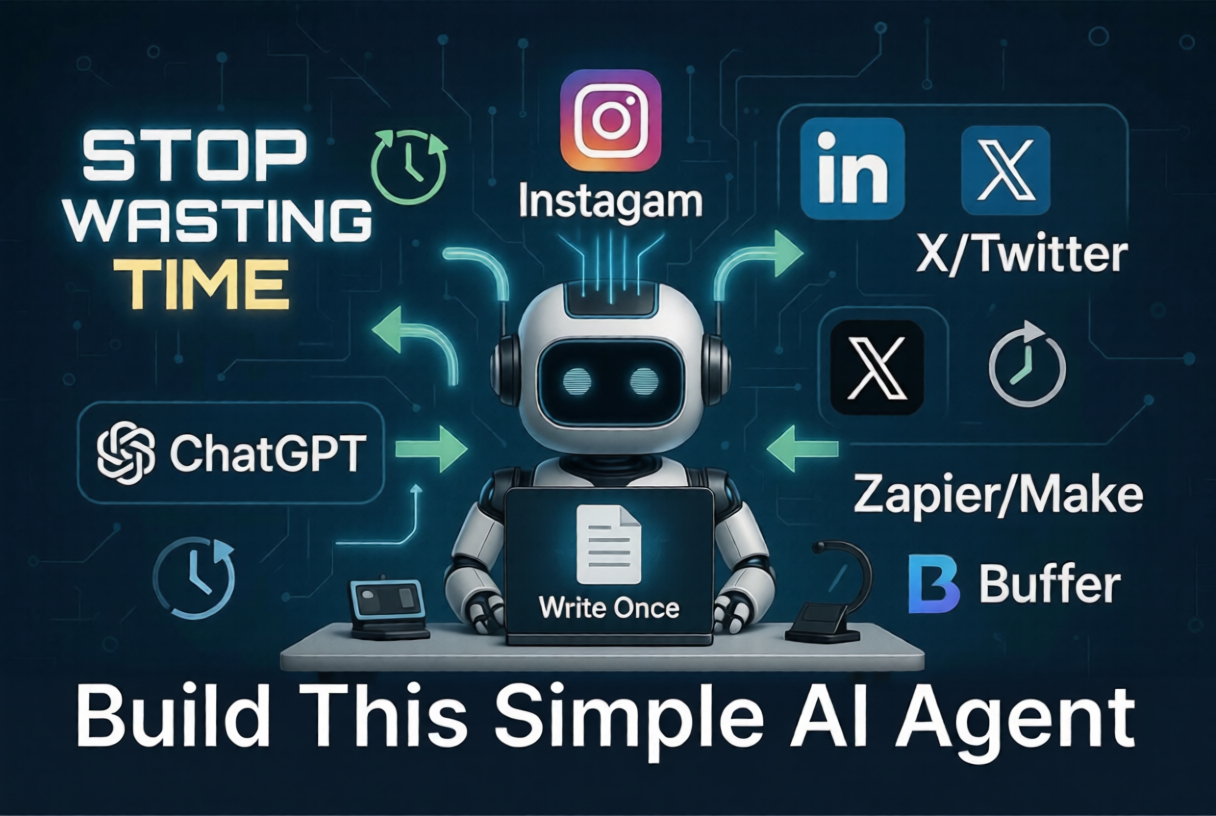
Stop Wasting Time: Build This Simple AI Agent for Daily Tasks
Table of Contents
- Introduction
- What Is an AI Agent and Why You Actually Need One
- How This Simple AI Agent Saves Hours Daily
- Step by Step Guide to Build Your AI Agent
- Step 1: Define Your Daily Tasks
- Step 2: Choose the Right Tools
- Step 3: Connect Everything Together
- Step 4: Automate Your Social Media
- My Personal Experience Using This Setup
- Tools and Resources You Can Use
- Common Mistakes to Avoid
- Tips to Get Better Results
- Conclusion
- FAQs
If you are like me, you probably start your day with good intentions and end it wondering where all the time went.
Replying to messages, checking emails, posting on social media, planning content… it just keeps piling up. A few months ago, I realized I was spending more time managing work than actually doing meaningful work.
That is when I started experimenting with building a simple AI agent for daily tasks.
Nothing fancy. No coding-heavy setup. Just a practical system that could handle repetitive work like social media automation tools, scheduling posts, and basic responses.
And honestly, it changed how I work.
In this blog, I will show you exactly how you can build your own simple AI agent and start saving time from day one.
What Is an AI Agent and Why You Actually Need One
Let’s keep this simple.
An AI agent is just a system that can take input, make a decision, and perform an action automatically.
For example:
- You write one piece of content
- Your AI agent turns it into multiple posts
- It then uses tools to schedule social media posts automatically
That’s it.
You are basically creating a digital assistant that works in the background.
The reason this matters is simple. Most of your daily work is repetitive. And repetitive work is the easiest thing to automate.
How This Simple AI Agent Saves Hours Daily
Before I built this system, my daily routine looked like this:
- Write content
- Manually edit it for different platforms
- Open Instagram, LinkedIn, Twitter
- Post manually
- Forget consistency after 3 days
Now it looks like this:
- Write once
- AI adapts content for platforms
- Posts get scheduled automatically
- I focus on better content instead of posting
The biggest benefit is consistency.
When you automate content posting, you stop relying on motivation.
Step by Step Guide to Build Your AI Agent
You don’t need to overcomplicate this. Start small and improve later.
Step 1: Define Your Daily Tasks
First, list out tasks you repeat every day.
For me, it was:
- Writing captions
- Posting on Instagram
- Sharing on LinkedIn
- Replying to basic messages
Pick 2 to 3 tasks only.
If you try to automate everything at once, you will get stuck and quit.
Step 2: Choose the Right Tools
You don’t need 10 tools. Just a few solid ones.
Here’s a simple stack:
- ChatGPT or Claude for content generation
- Zapier or Make for automation
- Buffer or Publer as a free social media scheduler
These tools work well together and are beginner-friendly.
For example: You can use AI social media tools to generate captions and then send them directly to your scheduler.
Step 3: Connect Everything Together
This is where your AI agent actually starts working.
Basic flow:
- You input content idea
- AI writes captions for multiple platforms
- Automation tool sends content to scheduler
- Posts go live automatically
In Zapier or Make, you can create a workflow like:
- Trigger: New content idea added in Google Docs or Notion
- Action: Send to ChatGPT for caption generation
- Action: Send output to Buffer
- Result: Posts are scheduled
It sounds technical, but once you set it up once, it runs on autopilot.
Step 4: Automate Your Social Media
This is where most people save time.
Instead of manually posting every day, use social media marketing automation.
Here’s a simple method I personally use:
- Write one long post
- Ask AI to convert it into:
- Instagram caption
- LinkedIn post
- Twitter thread
- Use a free social media scheduler to plan posts for the week
This way, you automate Instagram posts and other platforms without extra effort.
My Personal Experience Using This Setup
I will be honest. My first attempt was a mess.
I tried connecting too many tools. Things broke. Posts didn’t format correctly. Sometimes captions looked robotic.
But after simplifying everything, things started working.
One small win I remember: I scheduled 7 days of content in just 1.5 hours.
Earlier, it used to take me 20 to 30 minutes per post. That is almost 3 to 4 hours saved in a week.
Also, consistency improved a lot.
Even on days when I didn’t feel like working, my content was still going out. That alone made a big difference.
Tools and Resources You Can Use
Here are some practical tools that actually help.
ChatGPT Use it to generate platform-specific content. For example, turn one blog into 5 Instagram captions.
Make or Zapier Use them to connect apps and automate workflows. Example: Automatically send generated captions to your scheduler.
Buffer A simple and clean free social media scheduler. Great for beginners who want to schedule social media posts.
Publer Useful if you want more control over posting times and platform variations.
Notion You can use it as your content hub. Add ideas and trigger automations from there.
The key is not the tool. It is how you use it.
Common Mistakes to Avoid
A lot of people give up because they make these mistakes.
Trying to automate everything Start with one workflow. Build confidence first.
Using too many tools More tools means more confusion. Keep it simple.
Ignoring content quality AI can help, but bad content will still be bad content.
No testing Always test your automation. I once posted a caption with broken formatting. Not fun.
Expecting perfection Your first version will not be perfect. That is normal.
Tips to Get Better Results
If you want this system to actually work long-term, focus on these things.
Keep prompts simple Don’t overcomplicate instructions. Clear inputs give better outputs.
Create reusable templates Once you find a good format, reuse it. Saves time and improves consistency.
Review before scheduling Even with automation, spend 2 to 3 minutes reviewing posts.
Batch your work Instead of daily posting, create content in batches. This works really well with automation.
Focus on leverage Always ask yourself, can this task be automated or simplified?
Conclusion
Building a simple AI agent for daily tasks is not about being fancy or technical.
It is about saving time on things that do not need your full attention.
Once you start using social media automation tools and automate content posting, you realize how much energy you were wasting on repetitive work.
You don’t need a perfect system.
Just start with one workflow. Improve it slowly. Keep it practical.
That is what worked for me, and honestly, it is more than enough to get results.
FAQs
1. Do I need coding skills to build an AI agent?
No. Tools like Zapier and Make are no-code. You can build basic workflows easily without programming.
2. Which is the best free social media scheduler?
Buffer is a good starting point. It is simple and reliable for beginners.
3. Can I fully automate Instagram posts?
Yes, you can automate Instagram posts using tools like Buffer or Publer, but you should still review content before publishing.
4. How much time can I realistically save?
In my experience, around 3 to 5 hours per week if you automate content posting and scheduling properly.
5. Is AI content good enough for social media?
It is a good starting point, but you should always edit and add your personal touch to make it feel real.